> For the complete documentation index, see [llms.txt](https://docs.fiinquant.vn/llms.txt). Markdown versions of documentation pages are available by appending `.md` to page URLs; this page is available as [Markdown](https://docs.fiinquant.vn/fiinquant-en/technical-document/installation-and-preparation.md).
# Installation and preparation
Instructions for Python beginners as well as experienced programmers
### 1. Installing Python on Windows 🖥️
Install from Python.org (Recommended)
{% stepper %}
{% step %}
**📌 Download Python**
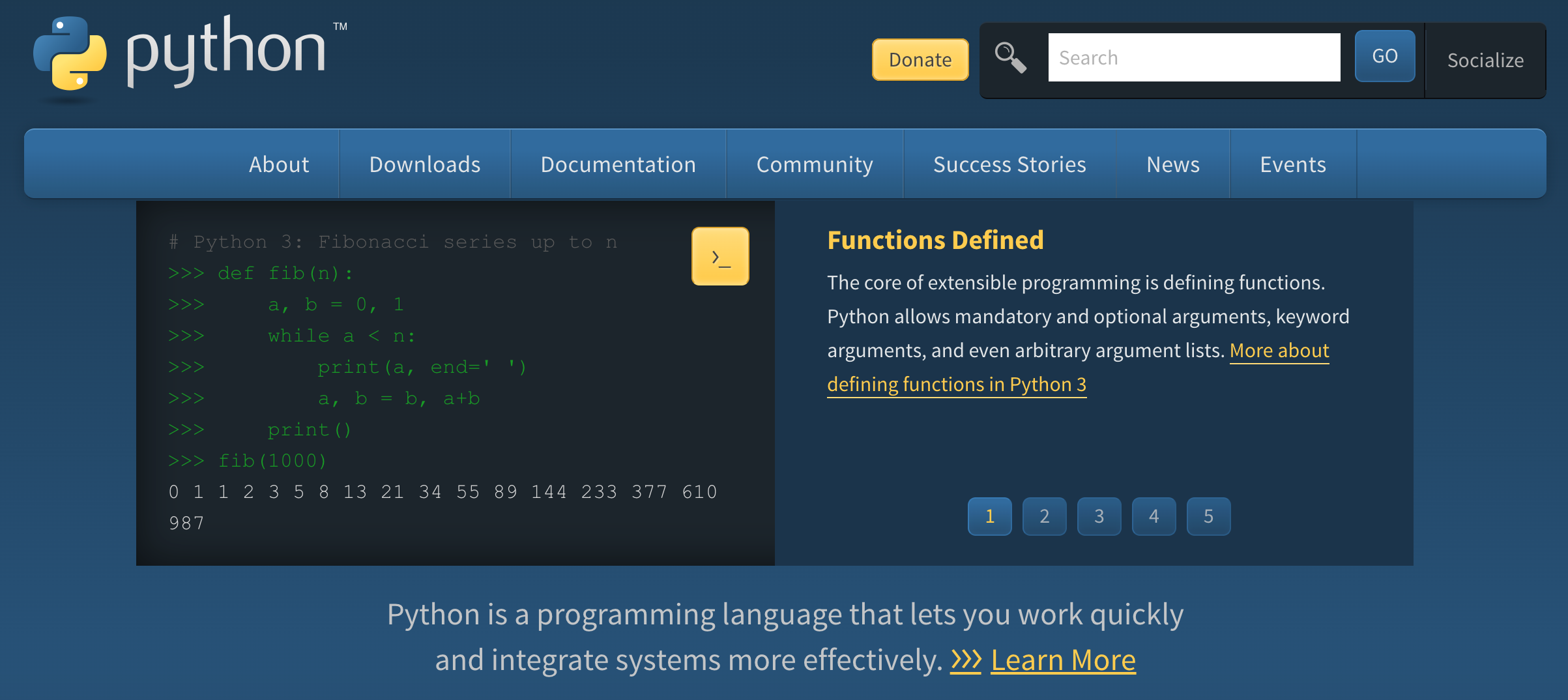
Access [Python Homepage](https://www.python.org/downloads/windows/)
Click Download Python (Latest version)
{% endstep %}
{% step %}
**📌 Install Python**
Open the downloaded .exe file.
Click “Add Python to PATH”
Click "Install Now" and wait for the installation process to complete.
{% endstep %}
{% step %}
**📌** Verify installation
Open Command Prompt (CMD) and type:
```
python --version
```
{% endstep %}
{% endstepper %}
### 2. Install FiinQuant library.
```
pip install --extra-index-url https://fiinquant.github.io/fiinquantx/simple fiinquantx
```
Update library when a new version is available.
```
pip install --upgrade --extra-index-url https://fiinquant.github.io/fiinquantx/simple fiinquantx
```
Note: **DO NOT NAME YOUR PYTHON SCRIPT FILES THE SAME AS THE LIBRARY (i.e., FiinQuant).**\